A spare bedroom with bare walls and a noisy laptop fan: Its dynamic capsule and close-address workflow make room reflections less prominent than a sensitive condenser setup. We explain the tradeoffs, alternatives, and what to verify before buying.
A solo host who alternates between a desktop computer and a borrowed studio: It is a strong fit when robust construction, USB/XLR flexibility, and a broadcast-style form factor matter. We explain the tradeoffs, alternatives, and what to verify before buying.
A new host recording weekly interviews with no audio interface: USB and XLR outputs let a beginner start simply without discarding the microphone after adding an interface. We explain the tradeoffs, alternatives, and what to verify before buying.
A creator switching between recorded episodes, calls, and live chat: Its software-centric routing is useful when a single computer must balance microphone, guest, music, and system audio. We explain the tradeoffs, alternatives, and what to verify before buying.
A student launching a campus interview show from a shared apartment: It covers the essential USB-to-XLR progression at a low entry cost. We explain the tradeoffs, alternatives, and what to verify before buying.
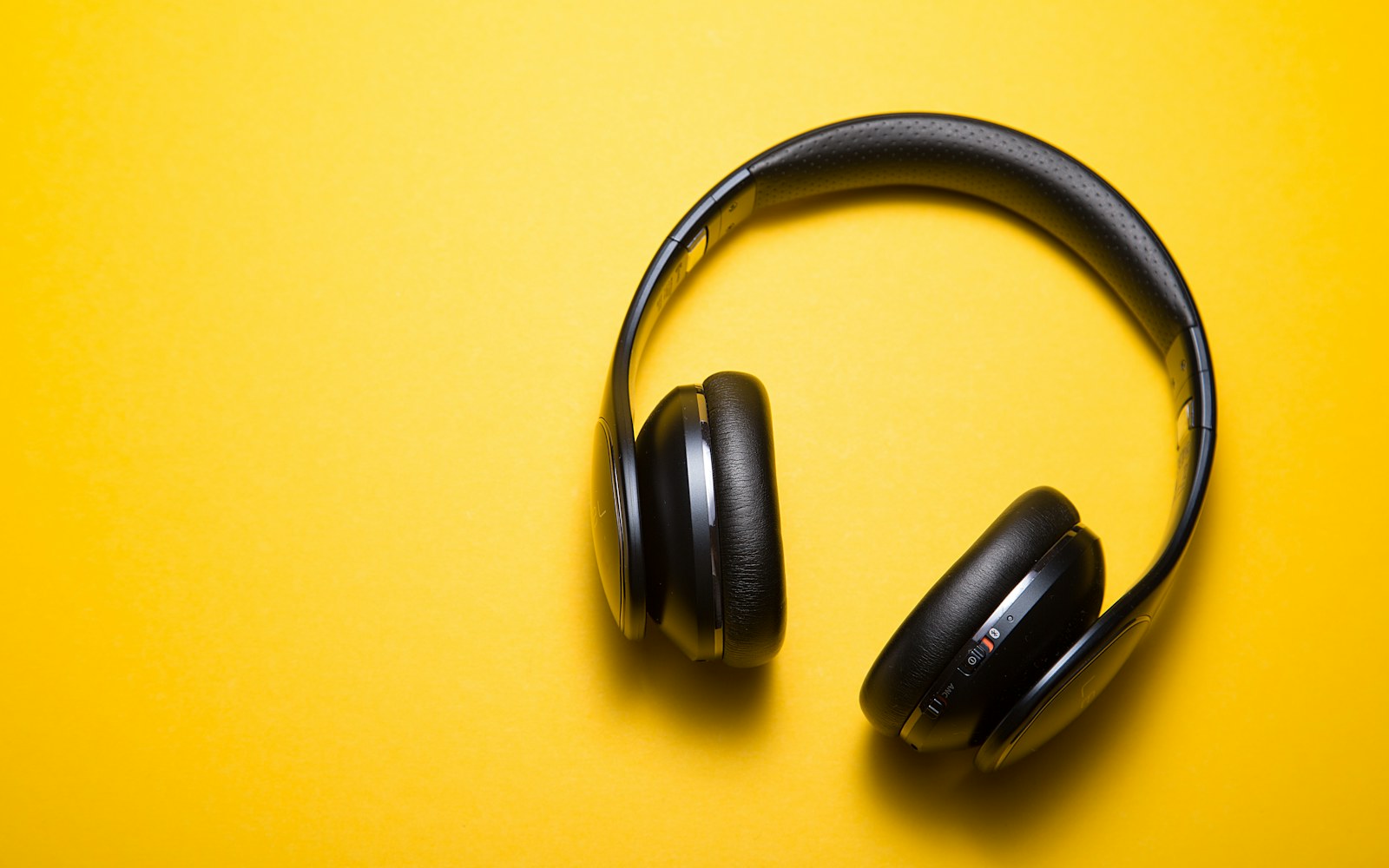
An editor cleaning dialogue late at night without studio monitors: The closed-back design, replaceable-style parts ecosystem, and familiar mid-forward presentation suit speech editing. We explain the tradeoffs, alternatives, and what to verify before buying.
A home producer who edits podcasts and occasionally records voiceover: Its folding build and detachable cables make it easier to move between desk and recording bag. We explain the tradeoffs, alternatives, and what to verify before buying.
A two-person interview table where guests need quick, hygienic monitoring: Strong isolation and a folding design make it practical for a shared studio kit. We explain the tradeoffs, alternatives, and what to verify before buying.
A reporter checking dialogue on trains, sidewalks, and conference floors: The folding design and closed earcups fit a mobile spoken-word workflow. We explain the tradeoffs, alternatives, and what to verify before buying.
An independent producer editing three episodes in one afternoon: Its large earcups and velour-pad versions are widely chosen for long closed-back sessions. We explain the tradeoffs, alternatives, and what to verify before buying.
Two co-hosts recording across a small kitchen table: Two microphone preamps, independent gain control, and broad software support cover a conventional two-person setup. We explain the tradeoffs, alternatives, and what to verify before buying.
A musician-podcaster who records narration and occasional instruments: Its simple two-input layout and vintage-style preamp option suit a hybrid voice-and-music desk. We explain the tradeoffs, alternatives, and what to verify before buying.
A permanent desk for two hosts, remote callers, sound pads, and video clips: It consolidates mic inputs, headphone control, routing, processing, and programmable pads into one compact console. We explain the tradeoffs, alternatives, and what to verify before buying.
A solo narrator who wants an XLR microphone and a small uncluttered desk: Its compact controls and two-input capacity leave room for a future guest without occupying much desk space. We explain the tradeoffs, alternatives, and what to verify before buying.
A consultant recording hotel-room commentary with an XLR dynamic microphone: Its small footprint is useful when the entire recording kit must fit beside a laptop in carry-on luggage. We explain the tradeoffs, alternatives, and what to verify before buying.
Four speakers gathered away from a computer in a community meeting room: Multiple XLR inputs and 32-bit-float-oriented capture simplify gain management for varied speakers. We explain the tradeoffs, alternatives, and what to verify before buying.
A documentary producer moving between quiet homes and busy public spaces: Its touchscreen workflow, multiple inputs, and high-resolution portable format support changing field assignments. We explain the tradeoffs, alternatives, and what to verify before buying.
A volunteer team producing a weekly call-in show with four local mic positions: It combines podcast-oriented inputs, headphone outputs, pads, and call connectivity at an approachable cost. We explain the tradeoffs, alternatives, and what to verify before buying.
A small production company rotating several shows through one room: Flexible routing, multiple mic channels, pads, and onboard recording reduce setup changes between programs. We explain the tradeoffs, alternatives, and what to verify before buying.
A creator filming conversations while touring workshops and trade shows: Compact wireless transmitters and onboard recording support mobile two-person capture where cables would slow the shoot. We explain the tradeoffs, alternatives, and what to verify before buying.
A remote host who records in the same well-lit office every week: A high-resolution webcam keeps setup fast while allowing flexible framing for common video platforms. We explain the tradeoffs, alternatives, and what to verify before buying.
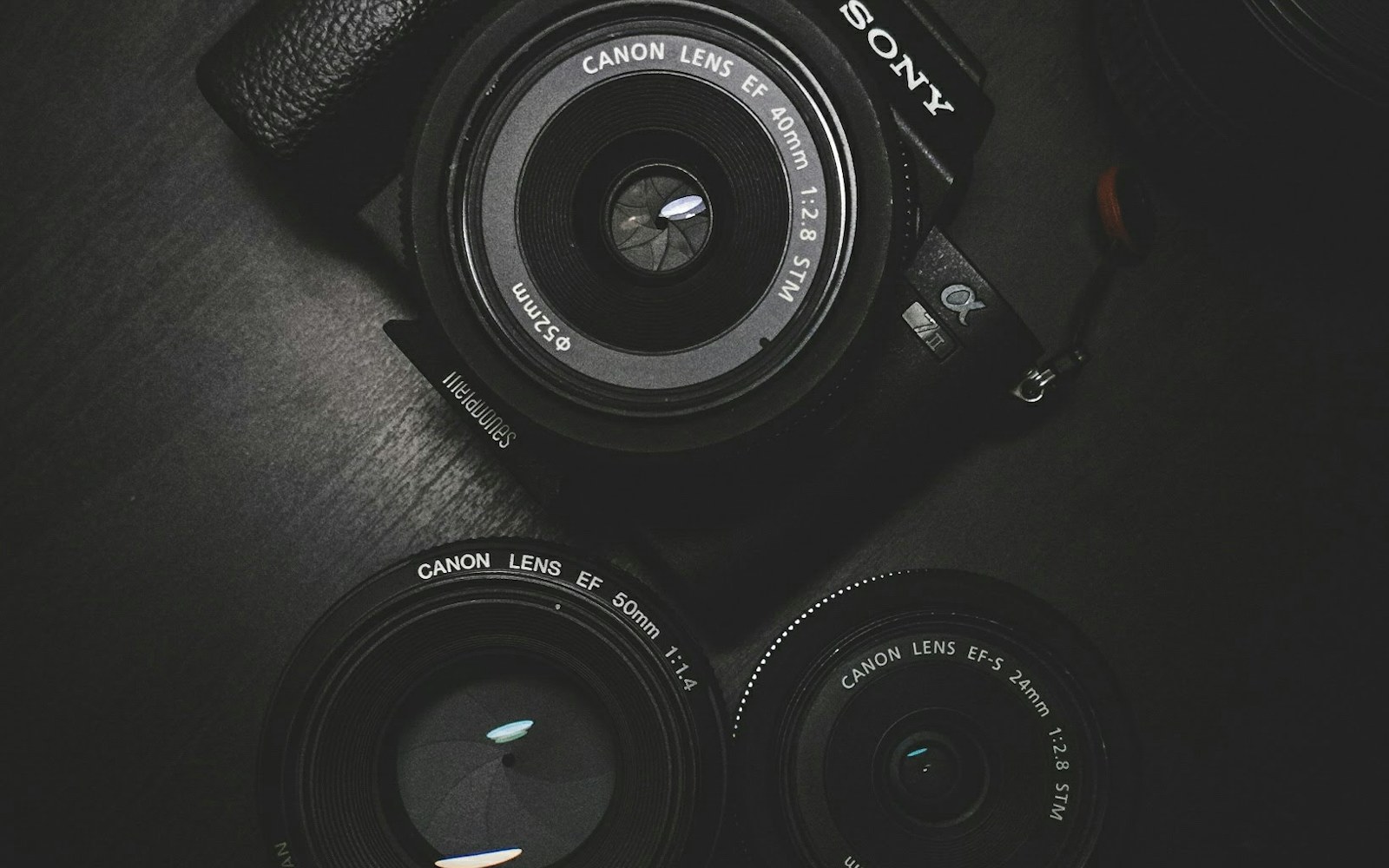
A host building a fixed set with interchangeable lenses and controlled lighting: A dedicated APS-C creator camera provides lens choice and a more deliberate image than a standard webcam. We explain the tradeoffs, alternatives, and what to verify before buying.
A livestreaming podcaster who wants 4K framing without a camera rig: It suits creators who value manual image controls and a wide, high-resolution desktop workflow. We explain the tradeoffs, alternatives, and what to verify before buying.
A solo educator who alternates between seated commentary and a whiteboard: Motorized tracking and presenter-oriented framing can reduce manual camera adjustment during a lesson-style show. We explain the tradeoffs, alternatives, and what to verify before buying.
A three-person table using a wide shot and two close-ups: Hardware switching and isolated recording options support an efficient multicamera edit and live program feed. We explain the tradeoffs, alternatives, and what to verify before buying.
A sit-stand desk supporting a heavy broadcast-style microphone: Its stated load range and covered arm design suit many heavier podcast microphones while managing cable movement. We explain the tradeoffs, alternatives, and what to verify before buying.
A video podcast where a tall boom arm blocks the host and monitor: The below-sightline design can keep the camera frame clean while preserving close mic placement. We explain the tradeoffs, alternatives, and what to verify before buying.
A renter who cannot attach acoustic panels to the walls: A portable shield can reduce some nearby reflections when paired with close mic technique and soft furnishings. We explain the tradeoffs, alternatives, and what to verify before buying.
A spare room with a desk against one wall and audible flutter echo: Purpose-made absorptive treatment can help tame early reflections when placed using listening and mirror-point logic. We explain the tradeoffs, alternatives, and what to verify before buying.
A shared table that vibrates whenever a guest takes notes: A floor stand separates the microphone from desk bumps and works when the table edge cannot accept clamps. We explain the tradeoffs, alternatives, and what to verify before buying.
A newsletter team turning interviews into podcast episodes and social clips: Text-based editing can speed transcript-led rough cuts for teams that think in words first. We explain the tradeoffs, alternatives, and what to verify before buying.
A host interviewing executives on unreliable home internet: Local participant recording can protect quality from momentary network degradation when guests complete uploads. We explain the tradeoffs, alternatives, and what to verify before buying.
An editor already using Creative Cloud for video and artwork: Its multitrack, restoration, loudness, and round-trip tools fit a broader Adobe production workflow. We explain the tradeoffs, alternatives, and what to verify before buying.
A technically comfortable producer who wants a customizable desktop editor: A flexible multitrack environment, efficient installer, and generous evaluation path suit producers willing to configure their workflow. We explain the tradeoffs, alternatives, and what to verify before buying.
A reporter organizing narration, tape, room tone, and quotes on deadline: Its spoken-word focus and story-oriented workflow suit producers who prioritize narrative assembly over music production. We explain the tradeoffs, alternatives, and what to verify before buying.
A host reading energetic ad copy two inches from the microphone: A durable metal screen can redirect plosive air while allowing practical close placement. We explain the tradeoffs, alternatives, and what to verify before buying.
A four-seat studio that gets reconfigured for guests each week: A well-built cable with dependable connectors is a sensible choice for high-use positions. We explain the tradeoffs, alternatives, and what to verify before buying.
A laptop host connecting an interface, camera, monitor, Ethernet, and card reader: A high-port-count dock can turn a portable computer into a one-cable studio desk when its host and power requirements match. We explain the tradeoffs, alternatives, and what to verify before buying.
A two-person interview kit checked into trains and carried through venues: A padded purpose-built case can keep a compact wireless or microphone kit organized and easier to inventory. We explain the tradeoffs, alternatives, and what to verify before buying.
A home host whose keyboard and coffee mug thumps reach the microphone: A compatible suspension mount can reduce structure-borne vibration when desk isolation and technique are already addressed. We explain the tradeoffs, alternatives, and what to verify before buying.